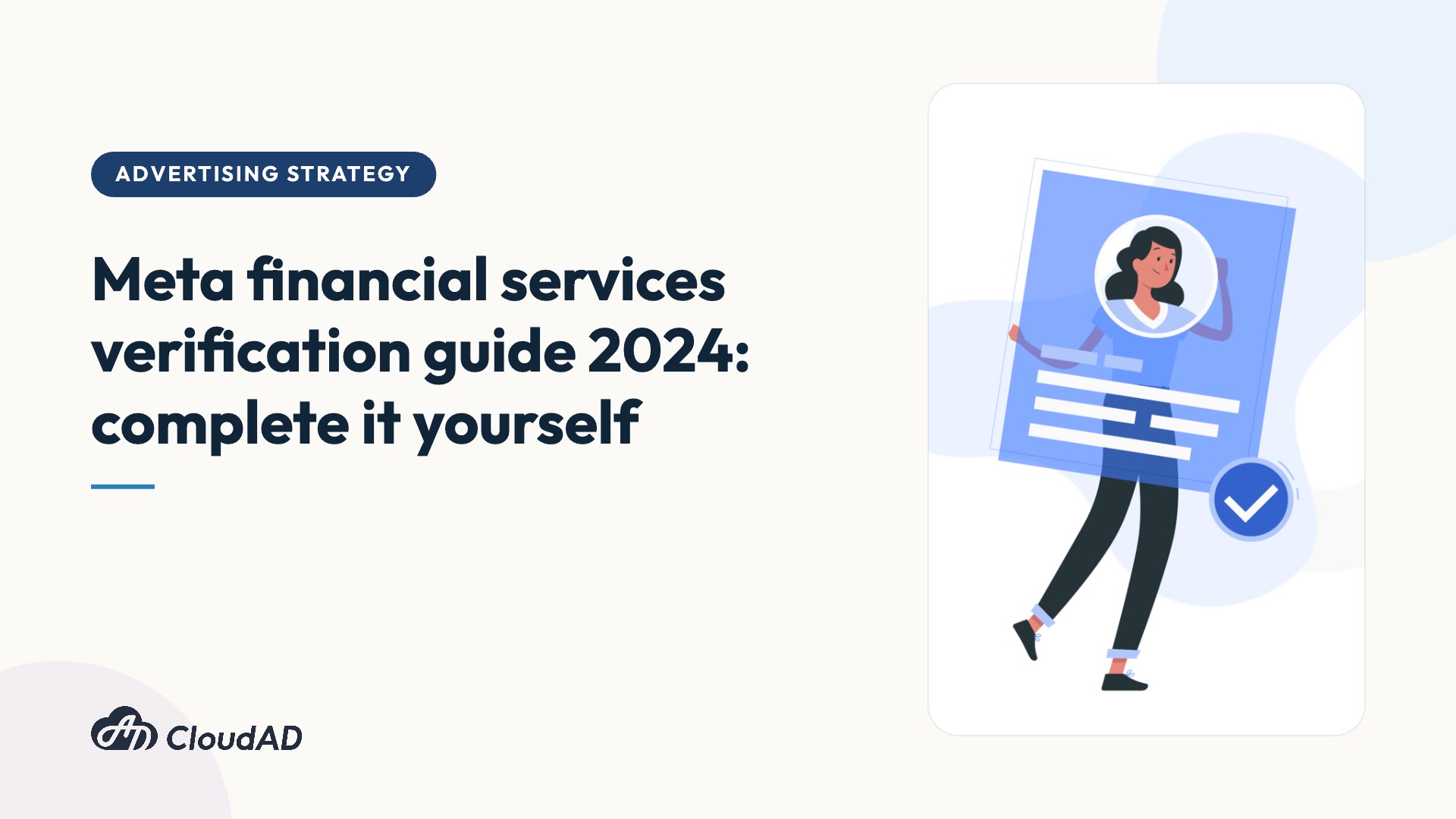
If you are an advertiser or marketer in financial services and you run Meta ads, take note: from 1 August 2024, Meta will require financial services advertisers to complete verification.
If you are wondering how to complete verification, what details to watch out for and, most importantly, what happens if you do not, read on.
Why is financial services verification needed, and what happens if you do not complete it?
In response to a request from the Securities Investment Trust & Consulting Association of the R.O.C. (SITCA), from 1 August 2024 ads that promote financial products and services to users in Taiwan will need to meet Meta’s Taiwan financial services authorisation requirements. Put simply, if you want to target users in Taiwan with any financial product, you need to show Meta that you are the genuine party or business and not an impersonator or scammer.
Meta plans to introduce the policy in two phases:
1. Awareness period (3 June 2024 to 31 July 2024)
Voluntary beneficiary and payer verification will roll out to 100% of advertisers worldwide from 1 July 2024.
2. Mandatory enforcement (from 1 August 2024)
Ads promoting financial products and services to users in Taiwan must comply with the Taiwan financial services authorisation requirements, which means disclosing the ad’s beneficiary and payer information.
If advertisers do not complete beneficiary and payer verification for eligible ads before the deadline, they will no longer be able to:
(1) create a “paid for by” disclaimer for their ads
(2) promote eligible financial products and services to users in Taiwan
Is the scope of financial products clearly defined?
Financial products and services that require authorisation include, but are not limited to:
- Insurance products
- Mortgages
- Loans (long-term and short-term)
- Investment products and opportunities
- Credit card applications
However, the following types of ads do not require authorisation:
- Brand ads for banks or insurance companies
- News articles about financial products or services, and financial education information
- Educational content or training courses on how to apply for or manage loans
- Educational ads about financial products or services that do not include information on how to obtain the product or contact the service
The verification process explained
1. Verify the ad’s beneficiary and payer
You must have admin access to the Facebook Page to complete verification. Click Page settings under Audience and visibility. Then scroll to Running ads about financial products and services and select View.
Note: if you or another Page admin has already been verified, you may already be eligible. Go to Running ads about financial products and services in Page settings and select the existing verification information for the ad’s beneficiary and payer.
2. After choosing a region, enter your business details, including the legal business name, address, phone number and website. There are then two possible outcomes:
2-1. You can select your business from the list of results and continue to the next step.
2-2. If your business is not listed, you will be asked to upload an official document proving that your business is registered.
You can provide the following documents to prove your business’s legal name and official mailing address or phone number:
- Company registration certificate or articles of incorporation
- Business registration certificate or permit
- Government-issued business tax documents, including withholding statements
- Business bank statement
3. Choose how to confirm the relationship between the person verifying and the business:
- Email (the domain of the business email address must match the website domain)
- Text message (SMS)
- Phone call
- Identity verification
- Domain verification (you must have admin access to the website’s web hosting service or DNS provider)
Note: it usually takes 3 to 5 days, and up to 14 days, to find out whether verification has succeeded. If the review takes too long or you have any problems, contact Meta support directly.
4. Once the advertiser has completed the steps above, choose the beneficiary and payer information to disclose on the ad when setting it up
Ads within the scope of review must include a “paid for by” disclaimer showing the name of the person or organisation that paid for the ad. This clickable disclaimer leads to a separate information form with verified information about the ad’s beneficiary and payer. During ad creation, the system creates the disclaimer based on the beneficiary and payer information you have set.
Note: remember to tick the financial services declaration.

Q&A
Q1: Who is the ad’s “beneficiary”, and how is that different from the ad’s “payer”?
A: The beneficiary is the person or organisation that benefits from the ad being published. This is usually the company that owns the product or service being promoted, but in some cases it may be another third party (for example, a charity). In plain terms, it is the party that benefits from the exposure.
The payer is the person or organisation that sponsors the ad. In plain terms, it is the party that pays for the ad.
Q2: Who is eligible to verify?
A: Only Page admins. They can verify information about the people or organisations that benefit from or pay for the ad. During the policy rollout, advertisers who only have an Instagram account will need to create a Facebook Page to complete verification.
Q3: If we work with a KOL (influencer) and run ads through their Page, does that also need verification?
A: If the beneficiary and/or payer is an individual KOL, they need to choose to verify as an individual by uploading a government-issued ID. After the KOL submits the information, they will be notified within 48 hours whether the ID has been accepted.
Q4: I want to learn more and need official Meta documentation for internal reference. Where can I find it?
A: See this link: https://www.facebook.com/business/help/719892839342050
Completing verification is only a small step in your marketing strategy. For anything from brand strategy advice to ad campaign delivery, get in touch.