As awareness of data privacy grows, regulations such as the EU’s General Data Protection Regulation (GDPR) are requiring businesses to strengthen how they protect and manage user data. 2024 marks the start of the cookieless era. Google has announced it will stop using third-party cookies, which makes ad delivery more challenging and means first-party data will become even more important. So how can advertisers collect user data while staying compliant?
To address this, Google introduced Consent Mode, which lets websites keep measurement data while protecting user privacy. To avoid any impact on future ad performance, Google recommends enabling Consent Mode as early as possible. Below we explain what Consent Mode is and how to set it up.
What is Consent Mode?
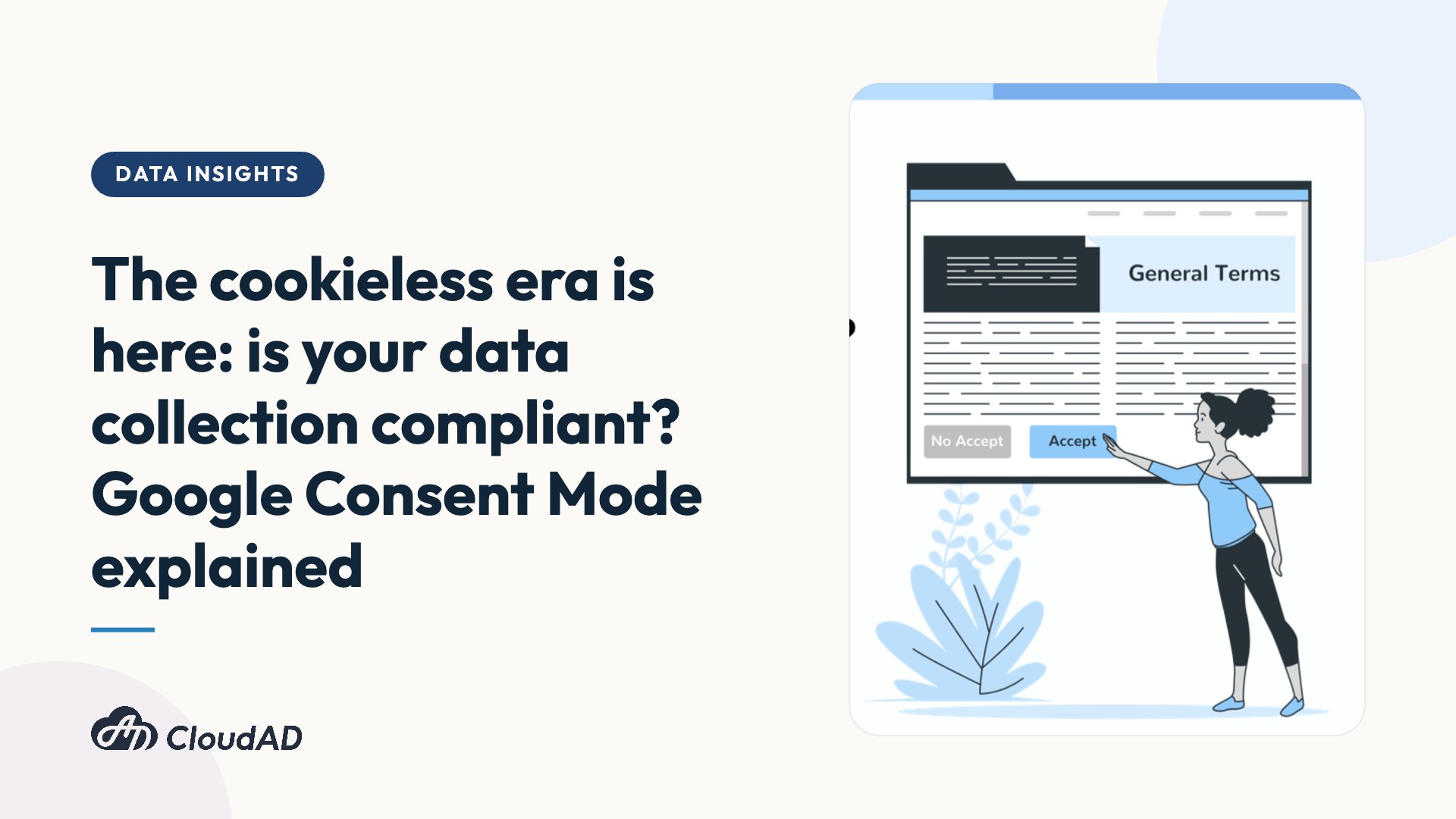
Consent Mode is a mechanism that receives each user’s consent status through a cookie banner (see the image below), making sure the user’s choice is respected.

Once Consent Mode is in place, Google’s tags adjust according to the user’s choice. A website or app can only collect a user’s data if the user gives consent. If the user does not consent, Google limits cookie-based data collection accordingly.
Consent Mode V1 and V2: what is the difference?
As privacy regulations keep changing, Consent Mode now comes in two versions: V1 and V2. V1 focuses mainly on collecting user privacy-related consent and uses the following two parameters:
- ad_storage: whether the user consents to cookies storing advertising information
- analytics_storage: whether the user consents to analytics-related cookies
V2, launched in 2023, focuses on user consent settings for ad personalisation. In addition to the two V1 parameters, it adds the following two:
- ad_user_data: whether the user consents to their data being sent to Google for advertising
- ad_personalization: whether the user consents to Google remarketing ads
If a user does not consent to the website or app using these two parameters, Google cannot include that user in audiences or remarket to them.
Do we need to enable Consent Mode? Do we have to upgrade to V2?
Many advertisers ask this, so here is a clear answer. If any of the following applies to you, we recommend completing your Consent Mode setup as soon as possible so that your ad performance is not affected:
- Your website or app operates in the EEA (European Economic Area)
- Your website or app has users in the EEA
Note also that under the Digital Markets Act (DMA), which took effect on 6 March 2024, advertisers who want to use Google Ads for remarketing in the EU market must upgrade to Consent Mode V2. This is what allows conversions to be tracked accurately and ad performance to be optimised. Without Consent Mode V2, platforms such as Google Ads and Google Analytics 4 (GA4) will not collect data from users in the EU for ad personalisation and remarketing, and ad performance will drop significantly.
How to set up Consent Mode
Enabling Consent Mode involves two main steps. First, set up a consent banner so users can choose whether to allow the website or app to collect their data. Then enable Consent Mode so that each user’s consent status is sent to Google.
There are currently several ways to set up Consent Mode:
- Websites: use a Google-certified consent management platform (CMP)
- Websites: set it up manually with GTM or gtag
- Apps: set it up manually with the SDK
Using a Google-certified CMP is the recommended option. These platforms provide GTM or gtag templates that make setting up or upgrading to V2 easier and faster, and they also offer support to help resolve issues.
With data protection regulations constantly being updated and third-party cookies disappearing, advertisers face new challenges in collecting data. One way to respond is to enable Google Consent Mode, which keeps data collection compliant and protects first-party user data. If you have any questions or needs related to the above, get in touch.