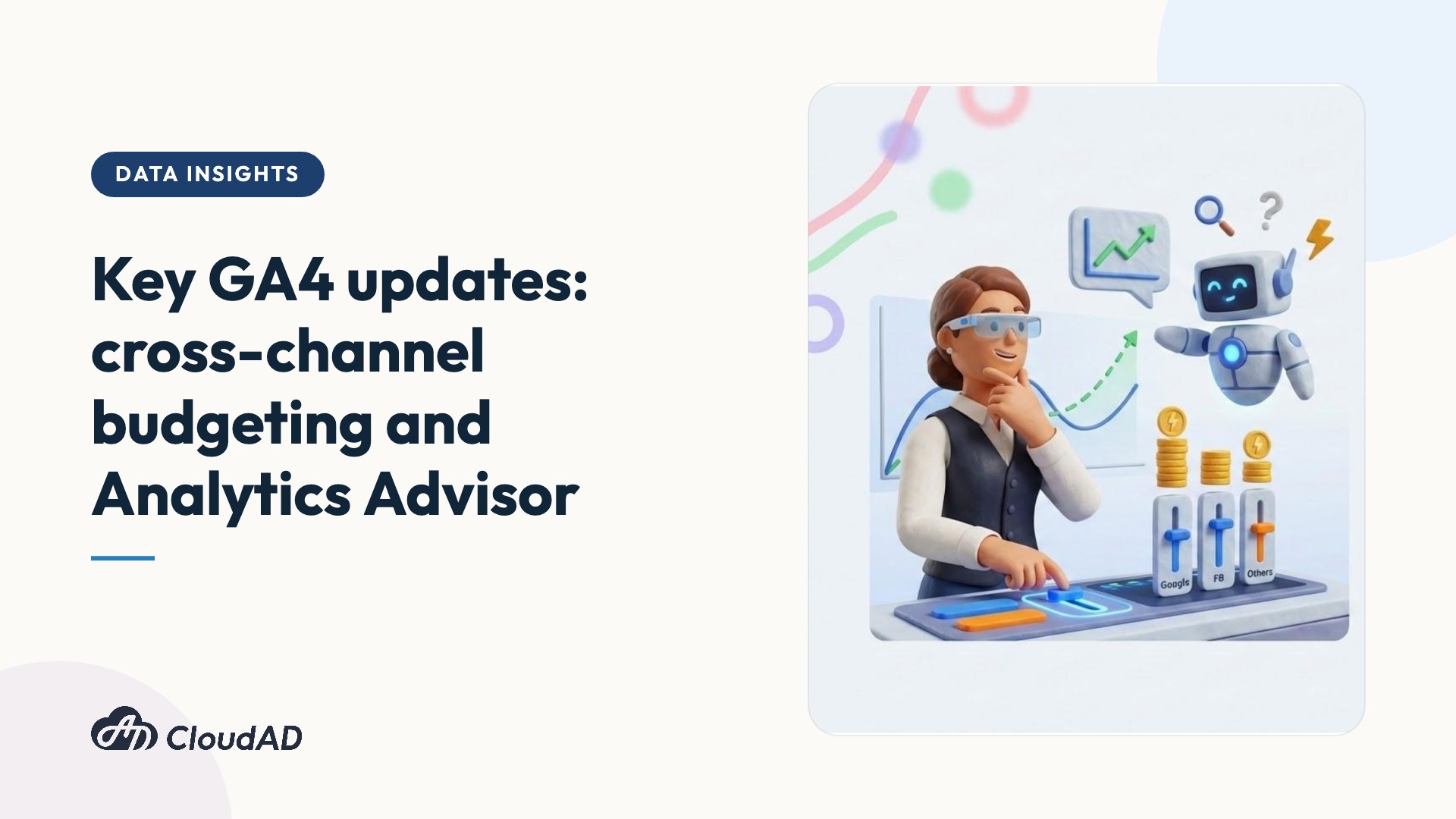
With the announcements at Google Marketing Live (GML), Google Analytics 4 (GA4) has officially evolved from a simple “data analytics platform” into an all-round “media planning and decision hub”.
For marketers, the biggest pain points are often data silos that are hard to integrate, budget allocation without a sound basis, and insight discovery that is time-consuming and laborious. Before the end of 2025, Google launched two major updates designed to solve these problems: cross-channel budgeting and Analytics Advisor, powered by the Gemini model.
How will these updates change the traditional media planning process? Let’s go through the new features and get a head start on your 2026 marketing plans.
Cross-channel budgeting
In the past, we had to piece together fragmented data with great effort and rely on “rules of thumb” to estimate budgets. GA4’s new cross-channel budgeting tool changes this process completely. It manages data centrally in a single interface and uses a scientific approach to assess, forecast and optimise budget allocation across platforms, helping every dollar of budget achieve the highest possible return on ad spend (ROAS).
Core tools
The tool has two main modules to help you answer “are we spending the money right?” and “how should we spend the money?”:
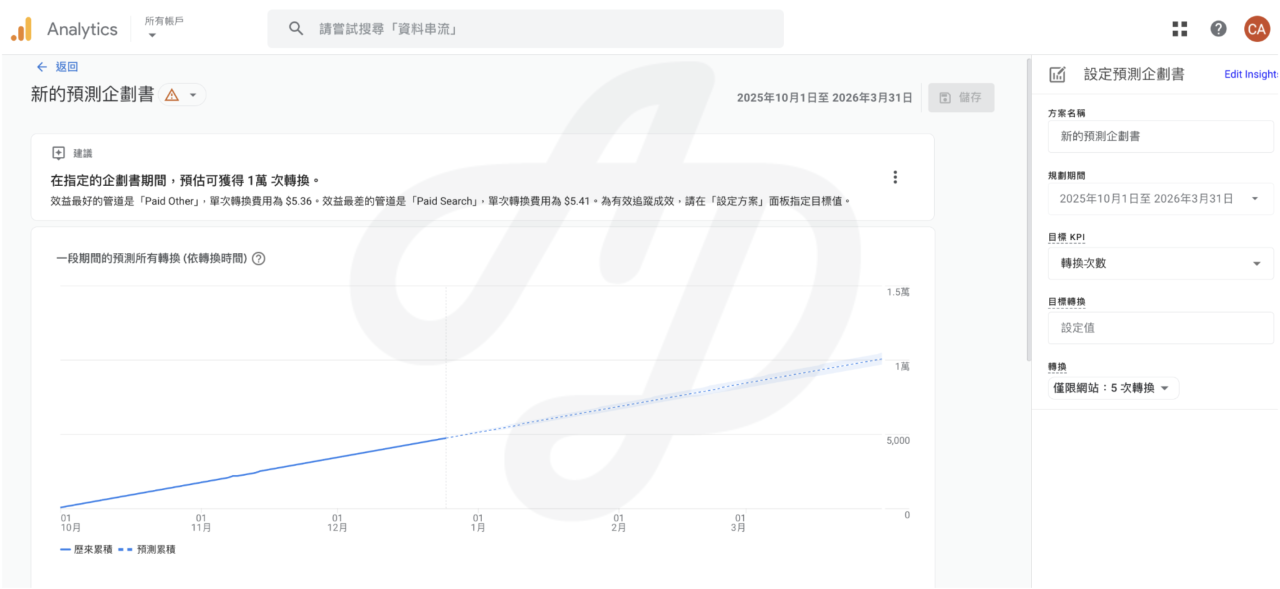
- Projections report:
- Purpose: monitor how the current plan is performing
- Function: compares “actual performance to date” with “projected performance” against the KPIs you set (budget, conversions, revenue)
- Use cases: is budget spend on track? Will conversion targets be met on time? Which channels are performing well, and which need adjusting?
2. Scenario planner:
- Purpose: simulate the best investment mix and optimise future budget allocation
- Function: uses machine learning models to draw “response curves” and analyse return on investment (ROI) under different budget scenarios
- Use cases: if the Facebook budget increased by 20%, what would happen to total revenue? With a fixed budget, how should it be split between Google and non-Google channels to achieve the highest ROAS?
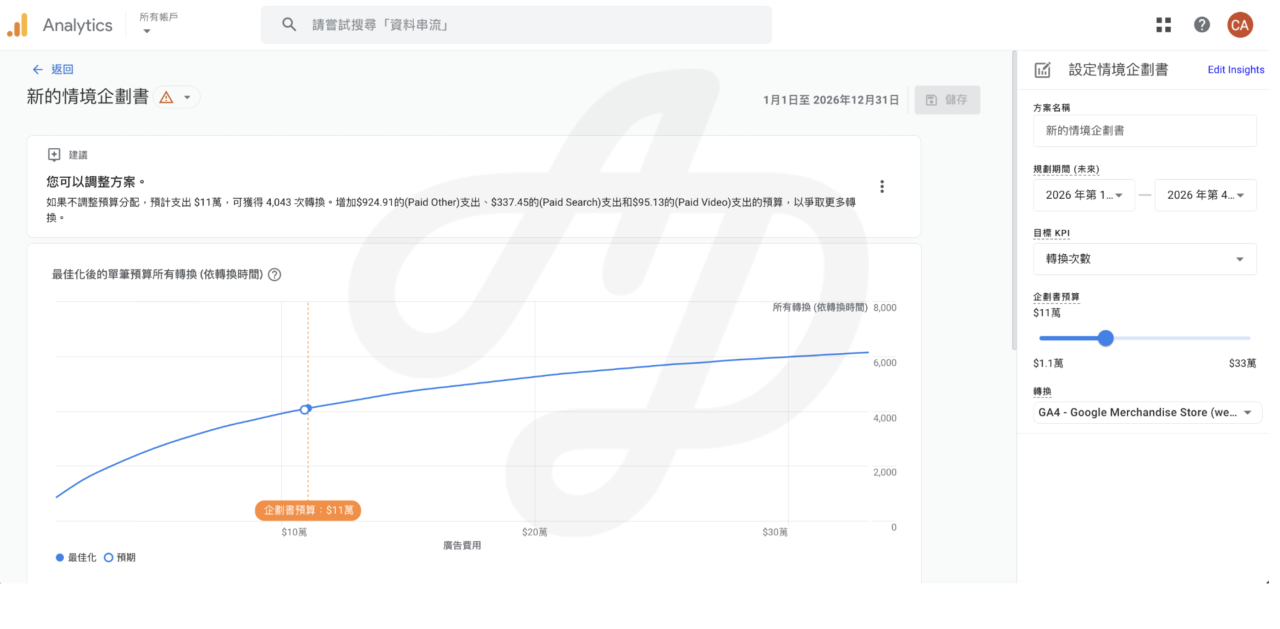
Note: this tool is for simulation and planning only. It does not change the actual settings in your ad accounts.
Requirements
To use cross-channel budgeting, your GA4 property must meet these conditions:
- Conversion data: at least 1 year of conversion data (website conversions and key events are not supported).
- Campaign data: at least 1 year of data, covering at least two channels (Google and non-Google channels).
- Channel grouping: you need to use a compatible primary channel group, with cost data.
Once these conditions are met, Google takes about 2 days to assess whether cost data has been imported correctly and check model quality. Once this check passes, you can create a plan.
Analytics Advisor
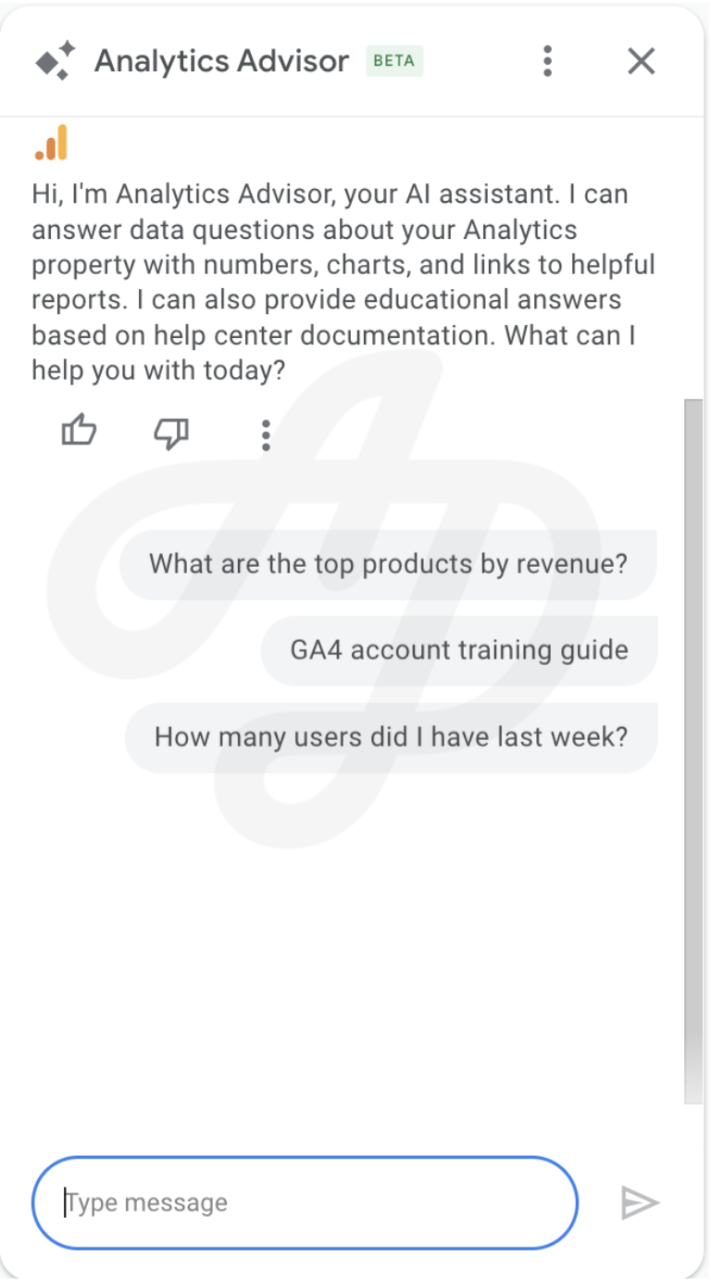
As well as the budgeting tool, Google has integrated its powerful generative AI model, Gemini, into GA4 and launched Analytics Advisor. It’s like having an on-call consultant built into GA4. You can talk to it in natural language, greatly shortening the time from “finding data” to “getting insight”. Note that the system only uses information from the specific Google Analytics property to generate its replies.
Examples of using Analytics Advisor
- Diagnosing problems (why): “Why did total revenue fall by 15% last month?” The AI helps analyse possible causes.
- Finding insights (what): “What’s the purchase trend for organic search traffic over the past 30 days?” The system generates a chart directly.
- How-to guidance (how): “How do I create a new audience?” The AI provides step-by-step instructions.
- Finding opportunities: “Users leave after viewing product pages. What’s the most efficient way to re-engage them?”
Note: Analytics Advisor is not yet complete and still has some limitations.
Conclusion
This update marks a clear turning point for digital marketing. With cross-channel budgeting, marketers no longer need to rely on intuition or complicated spreadsheets to plan budgets. With Analytics Advisor, the barrier to data analysis is greatly lowered, letting teams focus more on strategic thinking.
What does this mean for businesses?
- Full visibility: manage performance and spend across Google and non-Google platforms in one place.
- Agile decisions: quickly identify under-performing channels and adjust budget allocation in real time.
- Better ROI: use machine learning models to find the most valuable media mix.
The tools are powerful, but they depend on having a complete and clean data foundation. Because the models need historical data to build up and correct data import settings, we recommend starting to plan your GA4 data architecture as early as possible, so you don’t miss the best window for accumulating data.
Not sure whether your current data quality is up to standard? Get in touch and let CloudAD run a full health check on your GA4 to help you move smoothly into the era of AI marketing.