Data Studio update: more flexible data blending
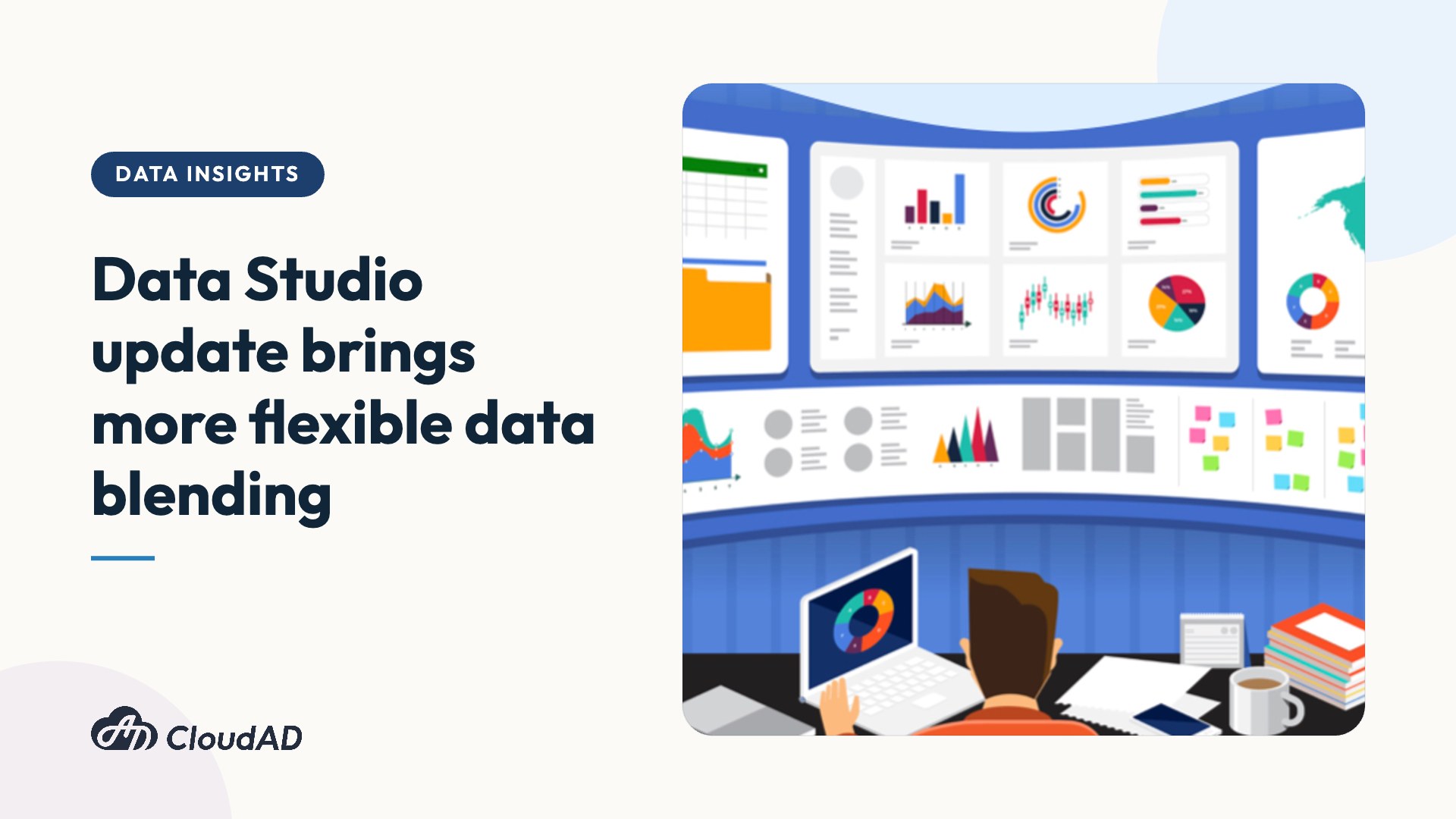
Data Studio visual reports make it easy to bring together many data sources, including website behaviour data, CRM systems and Google Ads data, and can even connect Facebook ads data through third-party tools. This helps brands manage and analyse raw data scattered across different places more easily.
This year (2022) the Google team announced a major update to how Data Studio blends data. Previously, data could only be blended with a Left Outer join; now there are five options, giving brands more possibilities for processing their data.
Five ways to blend data
Data blending combines multiple data sources into a new data source for building charts, so brands can explore the relationships between different data sources more flexibly and get insights more directly and efficiently.
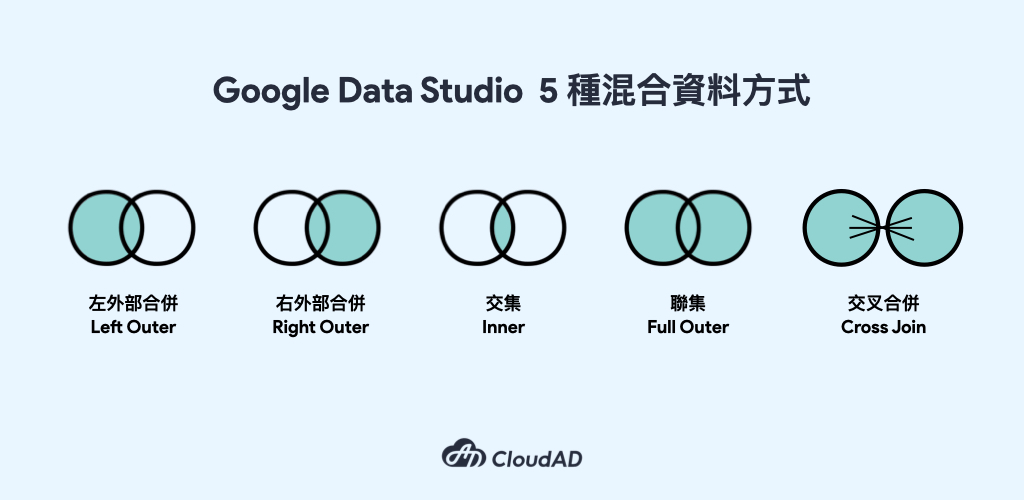
The five join types and how they relate the data are:
- Left outer: uses the data source on the left as the base, and takes the matching data from the data source on the right.
- Right outer: uses the data source on the right as the base, and takes the matching data from the data source on the left. It works the same way as a left outer join, but with the sources reversed.
- Inner: lists only the content that matches in both data sources, giving the combined data the tables have in common.
- Full outer: lists the complete data from both data sources.
- Cross join: produces every combination of all the fields you want to take from the two data sources.
Note also that, except for cross join, each data source must share a common field as the join key before the data sources can be blended. For example, to understand the conversion performance and spend of GA and Google Ads campaigns, both data sources need the same campaign names so they can be joined and blended on that field.
The new data blending rules in Data Studio help brands combine multiple data sources in more ways, making management and analysis more efficient and effective. If you have any needs or questions about using Data Studio or data analysis, get in touch.